Your team page, roster and schedule
What a team's public page shows, how the roster and logo get there, the team's own calendar feed, and where to send changes.
Updated
Every team in a league has a public page with its record, roster, upcoming games and results. The league keeps the data; this guide shows what is there and how changes get made.
Finding your team
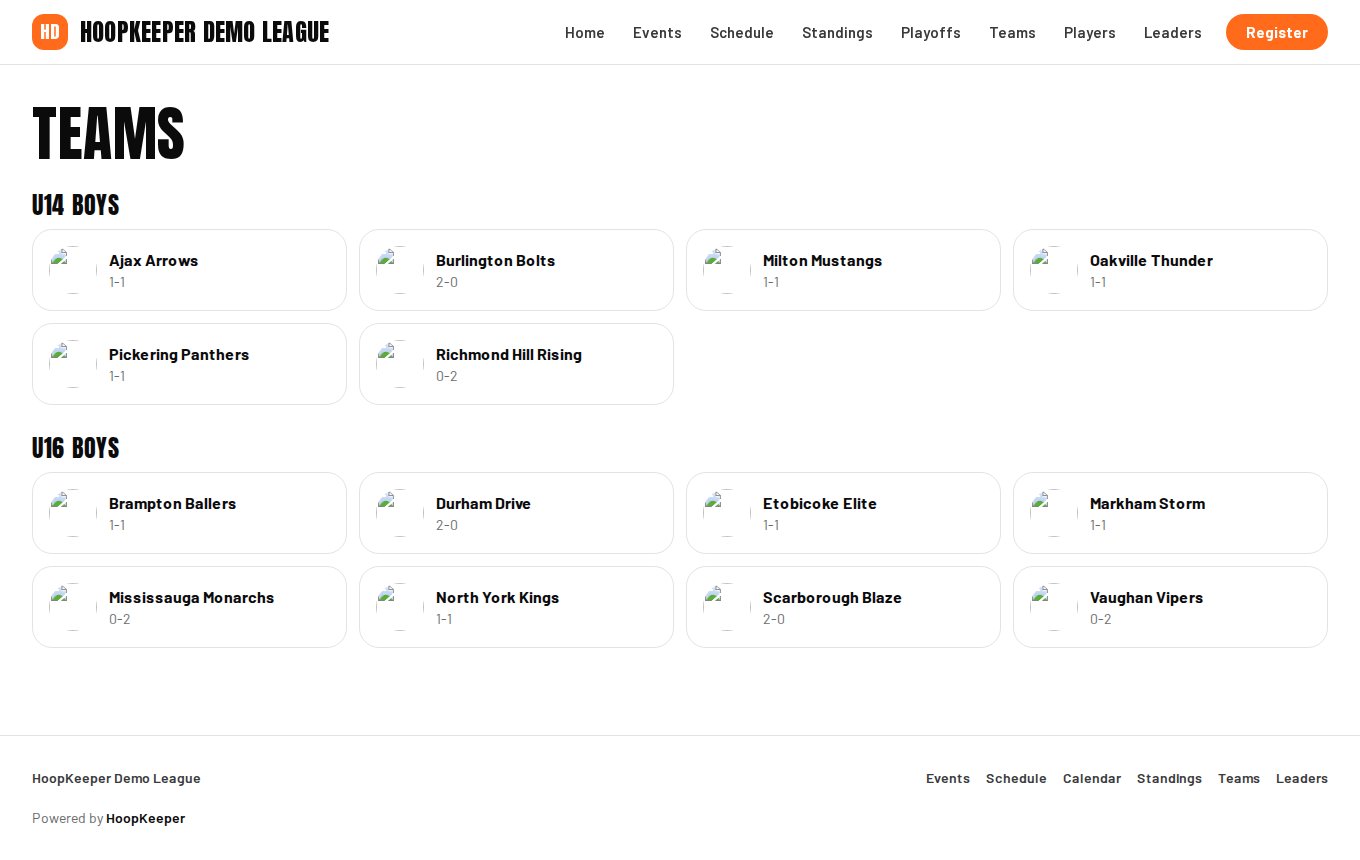
Teams in the site menu lists every team by division with its current record. Press a team to open its page. The address is the league's site followed by /teams/ and the team's number, so it is easy to share with parents and players.
What the page shows
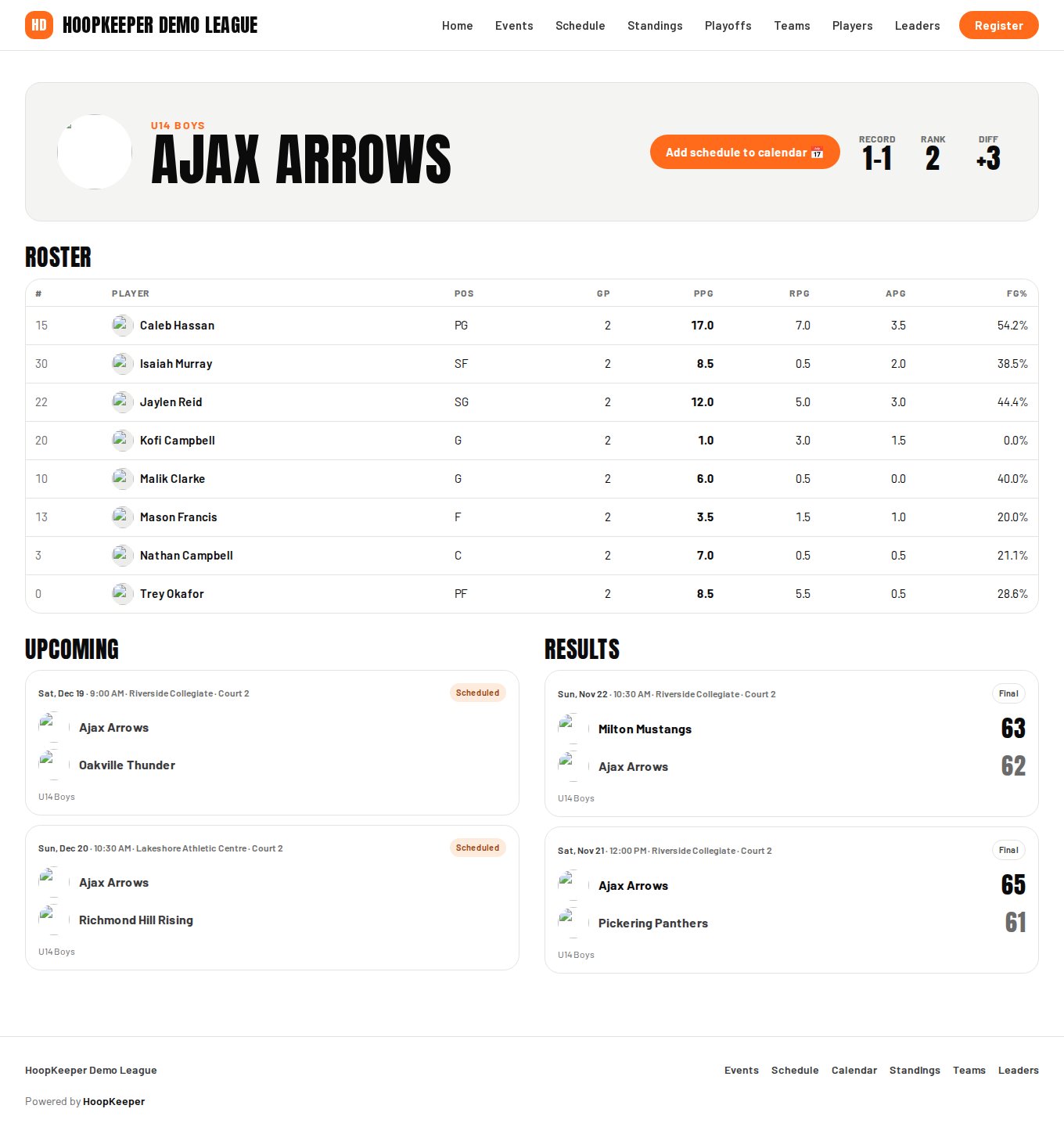
- Logo, division and name at the top, and when the league publishes standings, the team's record, rank in its division and point differential.
- Add schedule to calendar: a feed of just this team's games for Apple, Google or Outlook calendars. See the calendar guide for the options.
- Roster: each player with number, position, games played and season averages (points, rebounds, assists and field-goal percentage). Press a player for their full page.
- Upcoming games and Results, newest first. Press a game for its page with the score by period and the box score.
Roster, logo and colour
The league enters players, the logo and the team colour in its admin. When you register, give the league:
- Each player's name, jersey number and position.
- The logo as a square image and the team colour. The colour is used where the logo is too small, and on the standings bars.
Changes during the season, such as a new player or a number change, go to the league the same way. A player who is not on the roster cannot be scored, so send additions before game day.
Game pages and box scores
Each game has a page with the date, time, venue and court, the score by period once it is final, and the box score: minutes, points, rebounds, assists, steals, blocks, turnovers and shooting for every player who played. A game in progress shows as Live with the period and clock when the scorekeeper keeps them up to date, and a link to the live stream when the league has one.
Questions
How do I add my players?
Send the league your roster: each player's name, jersey number and position. The league enters players under Players in its admin, and they appear on your team page with their stats once games are scored.
Can I upload our logo myself?
Not yet. Send the logo and your team colour to the league; they set both on the team record, and the logo then shows on the schedule, the standings, game pages and your team page.
Why is our team not on the site yet?
A registered team appears once the league has approved it and the first payment is in. Until then it is held in the league's admin only.
A player's stats are wrong.
Stats come from the score sheet of each game. Tell the league which game and which line; they correct the score sheet and the totals recalculate.
Try it on a sample league
A seven-day test drive comes with a season already loaded, so you can follow this guide click for click.
Start a free test drive