Highlights and player spotlights
Add video clips from YouTube, Vimeo, Instagram or an MP4 upload, feature one on the home page, and publish a weekly player spotlight with a stat line.
Updated · In the admin: Highlights, Spotlights
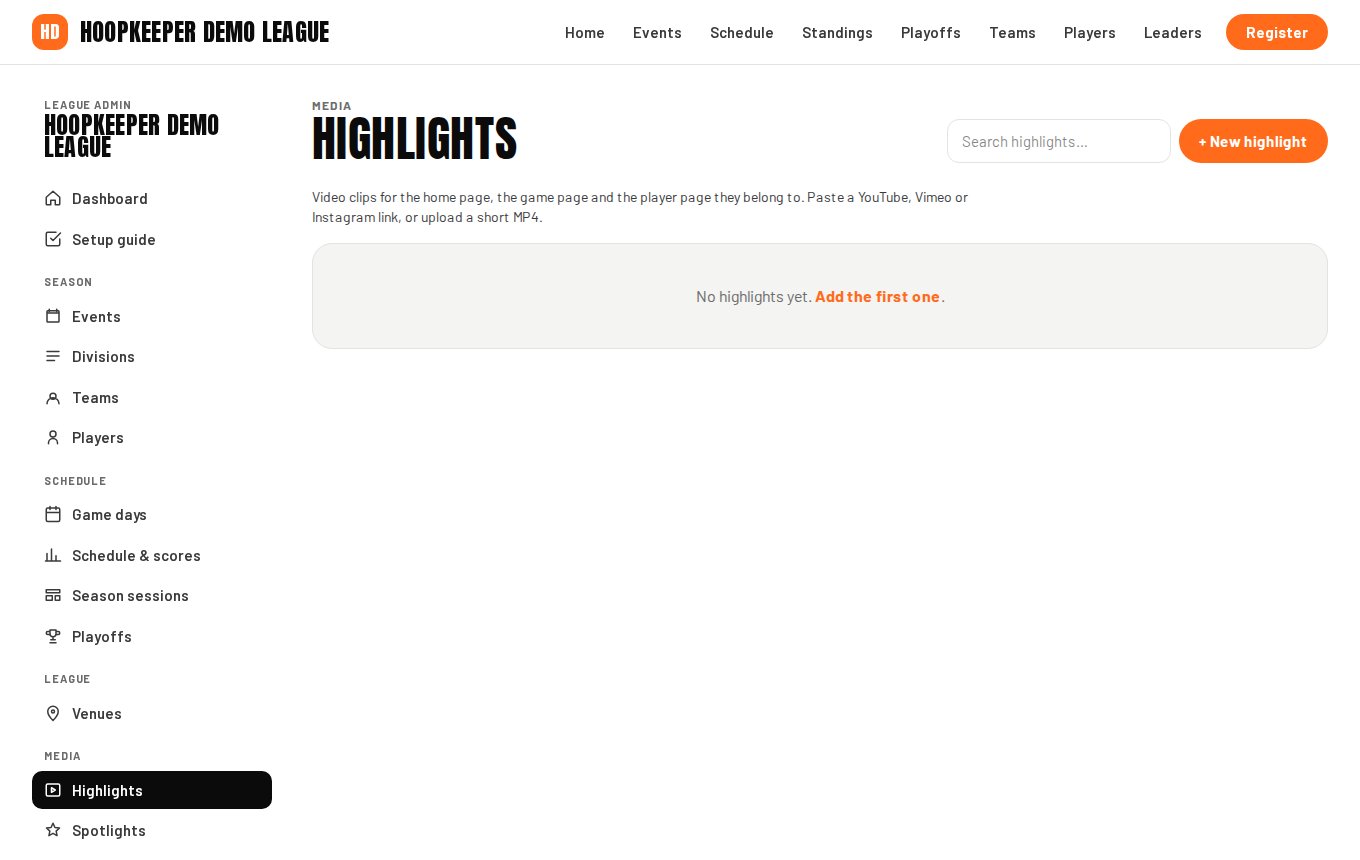
Highlights and spotlights are the two Media screens. Highlights are video clips tied to a game or a player; Spotlights are a short weekly feature on one player.
Add a highlight
- Go to Manage › Highlights and press + New highlight.
- Enter a Title, for example "Buzzer-beater at Northview".
- Video: paste a YouTube, Vimeo or Instagram link, or upload an MP4 (up to 64 MB).
- Upload a Poster image for clips that are not from YouTube; YouTube clips use their own thumbnail.
- Pick the Game and the Player the clip belongs to. The clip then shows on that game's page and that player's page as well as the Highlights page.
- Date defaults to the game's date. Length (seconds) shows on the card.
- Tick Featured for the big card on the home page; Sort order (lower first) orders the rest.
- Tick Shown on the public site and save.
Publish a spotlight
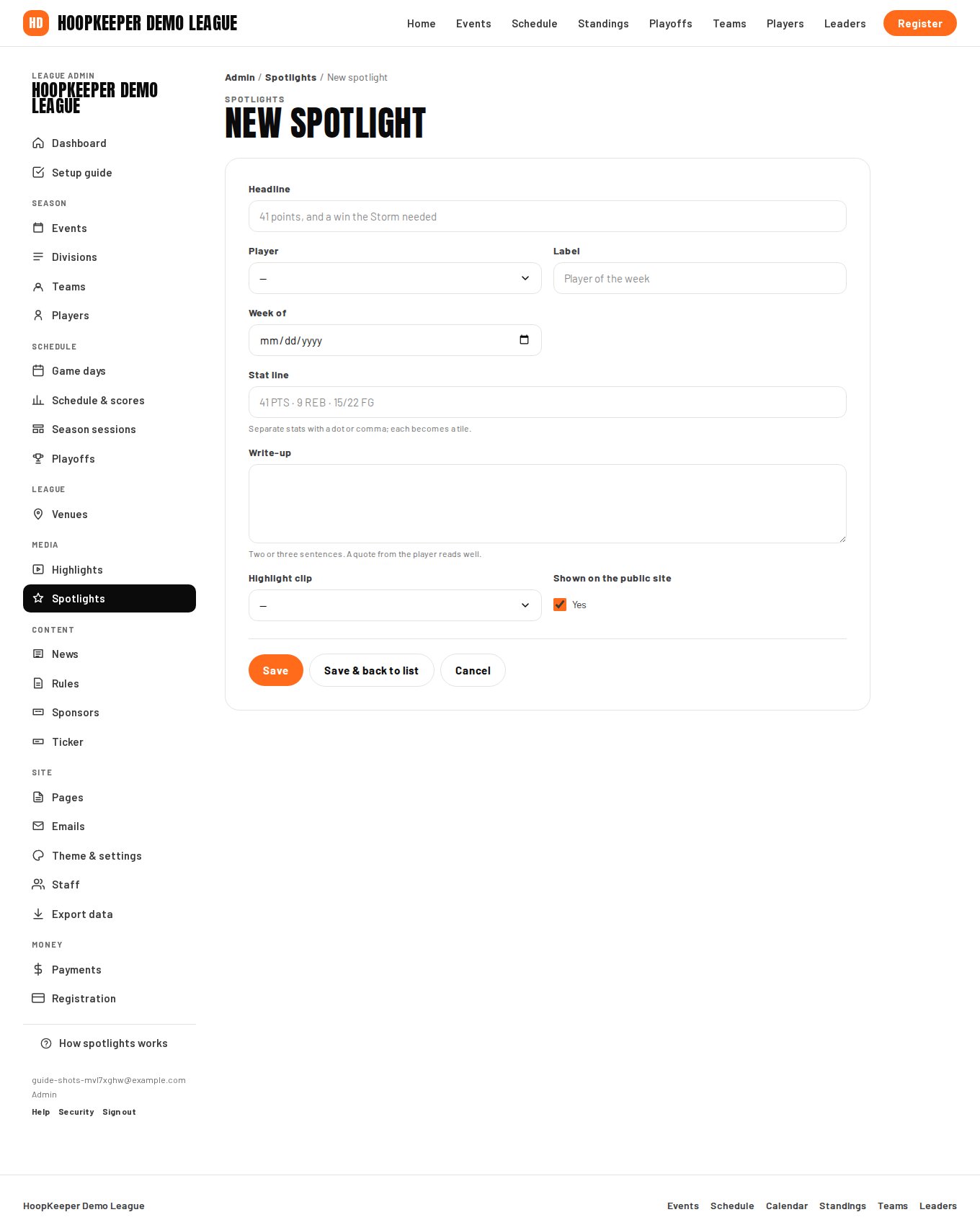
- Go to Manage › Spotlights and press + New spotlight.
- Enter the Headline, for example "41 points, and a win the Storm needed", and pick the Player.
- Label is the badge on the card: Player of the week, Rookie watch, Comeback of the month.
- Week of dates the feature; the newest published spotlight is the one the site shows.
- Stat line: separate stats with a dot or a comma and each becomes a tile, for example "41 PTS · 9 REB · 15/22 FG".
- Write-up: two or three sentences. A quote from the player reads well.
- Attach a Highlight clip if there is one.
- Tick Shown on the public site and save.
The newest published spotlight appears on the home page, the leaders page and the player's page, with the player's headshot and team colour.
A weekly routine
After each game day: enter the scores, pick one performance from the box scores, write the spotlight, and add the best clip as a featured highlight. Ten minutes a week keeps the home page looking alive between games.
Questions
Which video links work?
A YouTube, Vimeo or Instagram link, or an MP4 upload of up to 64 MB. YouTube clips use their own thumbnail; for the others, upload a poster image so the card is not blank.
Where does a spotlight show?
The newest published spotlight shows on the home page, on the leaders page and on the player's own page. Older spotlights stay on the player's page.
Try it on a sample league
A seven-day test drive comes with a season already loaded, so you can follow this guide click for click.
Start a free test drive