Take team payments with Stripe
Connect your league's Stripe account, understand the fees, read the payments list, and issue a refund.
Updated · In the admin: Payments
HoopKeeper collects team fees and day passes through Stripe Connect: the league has its own Stripe account, every payment lands there, and HoopKeeper keeps a small fee per payment on the Starter and League plans. Connecting takes about ten minutes and only the league owner can do it.
Connect Stripe
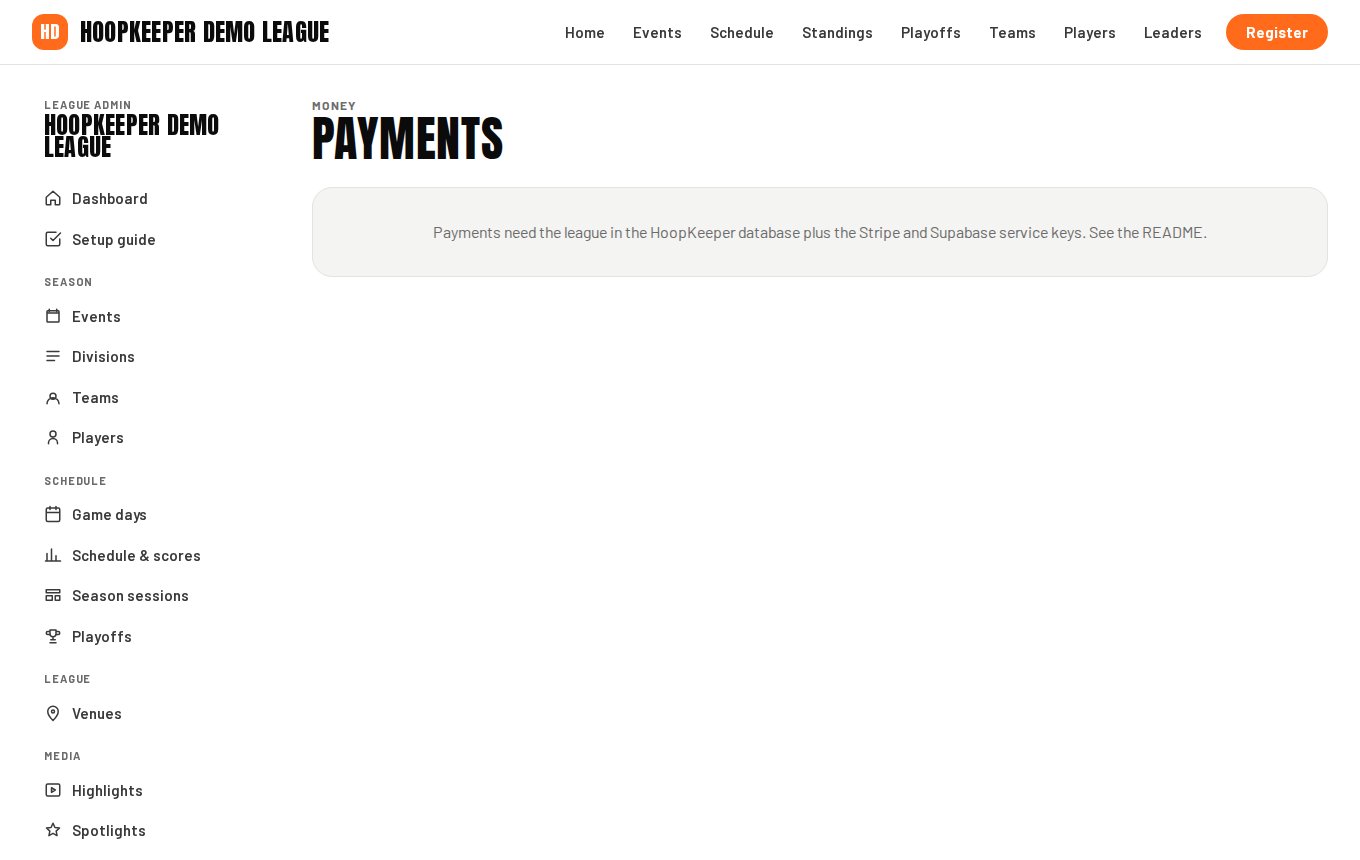
- Sign in as the owner and go to Manage › Payments.
- Press Connect Stripe. HoopKeeper creates a Stripe account for the league and sends you to Stripe's onboarding.
- Fill in Stripe's form: the organization's legal name, address, a representative's details, and the bank account that payouts go to. A non-profit or a club can register as such.
- You are sent back to Payments. The Stripe account card shows three statuses: Details submitted, Charges enabled and Payouts enabled. Charges enabled is the one that turns online registration on.
- If Stripe still needs something, the card says so and Finish Stripe setup takes you back to the right step. Press Refresh status after you have finished on Stripe's side.
What gets charged and what you receive
| Line | Who sets it | Where it goes |
|---|---|---|
| Team fee, deposit or balance | The event's Team fee and Deposit | Your Stripe account |
| Tax | League settings (13% HST by default; ask HoopKeeper support to change the rate or label) | Your Stripe account |
| Processing fee shown to the payer | 3% + $0.30 by default | Covers Stripe's card fees |
| HoopKeeper fee | By plan: 1.5% + $0.30 on Starter and League, none on Pro | Taken out of what the league receives |
The HoopKeeper fee on your plan card on the Payments screen shows the exact figure for your league. Pro leagues see none.
The payments list
Every card payment and refund is listed with its kind (registration deposit, registration balance, full registration, day passes or refund), the payer, the description, the total, the HoopKeeper fee and the date. Collected (net of refunds) and Balances still owing at the top are season totals. Stripe dashboard opens the league's Stripe account for payouts, disputes and tax forms.
Refunds
- Find the payment in the list and press Refund.
- Enter an Amount in cents for a partial refund, or leave it blank to refund the whole payment, and a Reason for your records.
- The refund is issued through Stripe and shows as its own row. The processing fee the payer paid is not returned automatically, and HoopKeeper's fee stays unless the refund is marked to return it.
Refunds are for money already taken by card. For a team leaving the season, use Withdraw on the registration instead: it closes the registration and issues a credit code where the league's rules allow one (see the registration guide).
Test mode
While a league is being set up, Stripe may run in test mode and the Payments screen says so. Test mode accepts the card number 4242 4242 4242 4242 with any future expiry date, so you can walk through a registration end to end without charging anyone.
Day passes
Once Stripe is connected and Day passes is ticked under Theme & settings › Features, every game day sells spectator passes at the prices set on the game day (league defaults: $15 adult, $10 student; children under 10 and adults over 65 are free). Pass sales appear in the same payments list.
Questions
Who pays the card fees?
The payer. Every checkout adds a processing-fee line (3% plus 30 cents by default) on top of the team fee, and that line covers Stripe's card fees. HoopKeeper's own fee is taken out of what the league receives: 1.5% plus 30 cents per payment on the Starter and League plans, nothing on Pro.
When does the money reach my bank?
Payments land in the league's own Stripe account and Stripe pays out to your bank on its usual schedule, typically every two business days once the account is established. The Stripe dashboard button opens your account's balance and payouts.
Can I take cash or e-transfer instead?
Yes. Record an offline payment on the registration under Manage › Registration; the team's balance updates and the coach gets the same receipt email. Stripe is only needed for card payments on the site.
Try it on a sample league
A seven-day test drive comes with a season already loaded, so you can follow this guide click for click.
Start a free test drive